 Start 2026 smarter, with security habits your whole team can actually use.
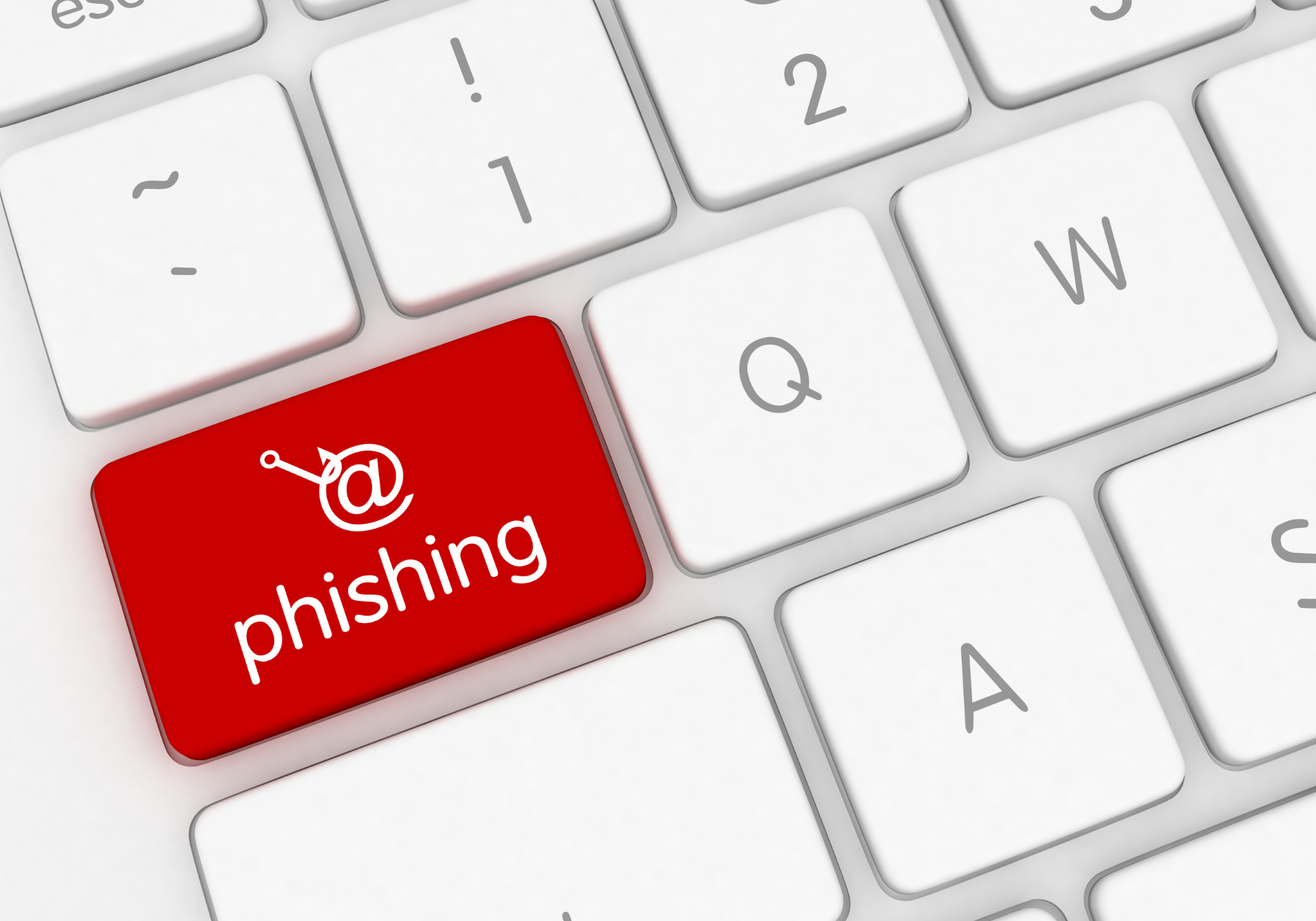
You know the drill: it’s 8:03 a.m., you’ve barely had your first sip of coffee, and a “Microsoft password alert” hits your inbox. Most people click before they think. Not because they’re careless, but because attackers are getting scarily good at sounding legitimate. But here’s the good news: with the right awareness, your team can catch these scams before they cause downtime, data loss, or a frantic call to the helpdesk.
Real Subject Lines Your Team Will See (And How to Outsmart Them)
Below are six real‑world subject lines Louisiana businesses will likely see in Q1, and the smart, simple ways to spot the fakes.
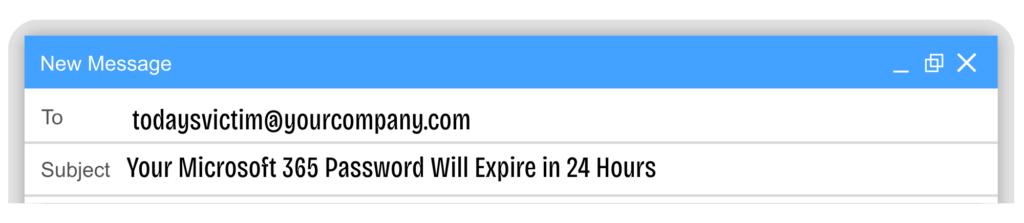
1) “Your Microsoft 365 Password Will Expire in 24 Hours”
Why it works: It pressures people with urgency.
How to spot it:
- The real Microsoft won’t email password expiration notices (you’ll see them only inside your authenticated portal).
- Hover over the link. If it’s not a Microsoft.com or your company domain? Stop.
Smart response: Go directly to your Microsoft 365 account… not the email link.
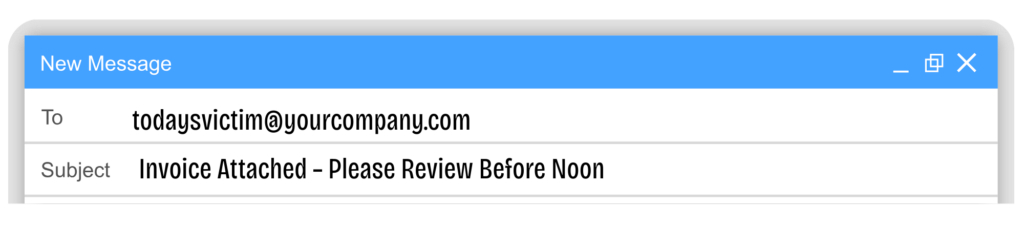
2) “Invoice Attached – Please Review Before Noon”
Why it works: Accounting teams see this every day, and attackers know that.
How to spot it:
- The sender “looks” familiar, but the actual email address will be off by a letter.
- Attachments arrive without context or conversation history.
Smart response: Verify the request by phone or Teams. Never open unverified attachments.
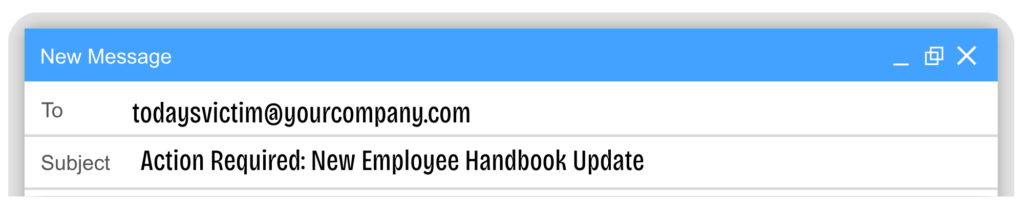
3) “Action Required: New Employee Handbook Update”
Why it works: HR‑themed phishing preys on trust.
How to spot it:
- HR updates normally come from internal systems (like BambooHR, HRIS, payroll portals), not a random link.
- Look for generic greetings like “Hello Employee.”
Smart response: Access HR documents through your normal HR portal, not through the link they provide in the email.
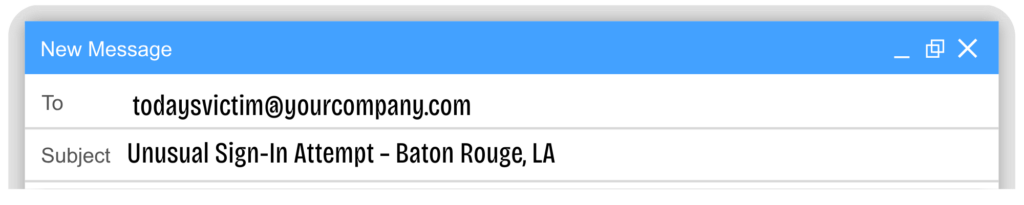
4) “Unusual Sign‑In Attempt – Baton Rouge, LA”
Why it works: Attackers now spoof local locations to look more believable for Louisiana companies.
How to spot it:
- Real security alerts never demand you “click to verify.”
- Fake alerts often have a mismatched timestamp or device type.
Smart response: Check your authenticator app directly. If nothing is pending, it’s fake.
5) “DocuSign: Your Signature Is Required”
Why it works: DocuSign notifications are common across finance, healthcare, and service businesses.
How to spot it:
- DocuSign emails always show the sender’s name clearly. Fake ones bury it.
- The link goes to a shady URL (before you click, hover to reveal the truth).
Smart response: Go straight to DocuSign.com and check if anything is waiting.

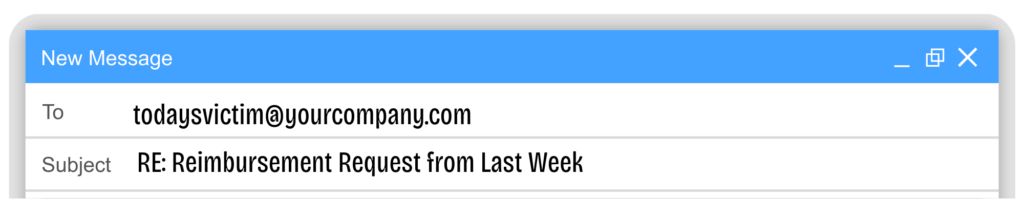
6) “RE: Reimbursement Request from Last Week”
Why it works: Using “RE:” implies an existing conversation, and people click reflexively.
How to spot it:
- You never sent an original message.
- Metadata looks wrong (no signature, no thread, odd spacing).
Smart response: Ignore the bait. Report it and delete.
Eliminate Threats Through Improved Daily Habits
Most breaches don’t begin with sophisticated cyberattacks. They start when someone is rushing through a normal workday. That’s why phishing protection isn’t just a tool; it’s a team habit. When your staff consistently practice three simple steps — hover, verify, report — you dramatically reduce your organization’s risk.
Start with Practical Security Training and Testing
Run a Baseline Phishing Test for Your Team.
We’ll show you:
✔ Who’s clicking
✔ Where the patterns are
✔ And the 2–3 habits that will make the biggest difference this year
No blame. No tech jargon. Just practical security that your whole office can use.